

BBMP eKhata is the digital version of property records maintained by the Bruhat Bengaluru Mahanagara Palike (BBMP). It is part of the city’s e-Aasthi system, which brings property ownership, tax, and location data into one single online record.
Having a verified eKhata is now essential for property owners in Bengaluru. BBMP has made it mandatory for several transactions and building plan approvals in 2026. Whether you already have a khata or are applying fresh, this guide covers everything, eligibility, documents, the step-by-step process, how to download your certificate, and how to check your status.
Eligibility Criteria
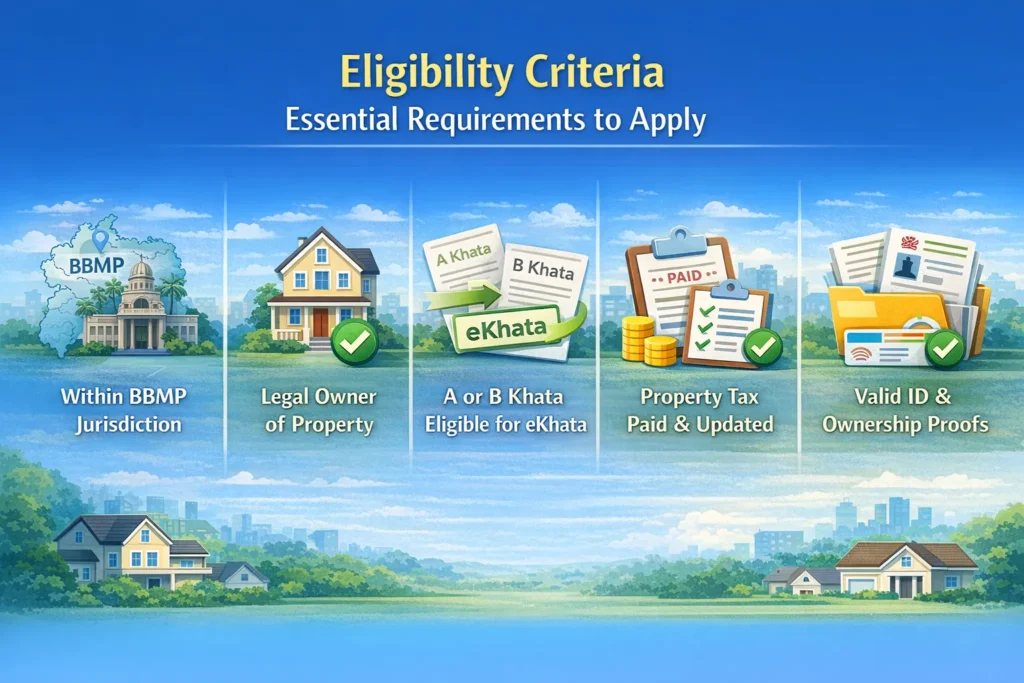
Before you apply, make sure you meet these basic requirements:
- The property must fall within the BBMP jurisdiction.
- You must be the legal owner of the property.
- Properties with an A Khata or a B Khata are eligible for conversion to eKhata.
- Property tax must be fully paid and up to date.
- You must have valid identity and ownership proofs.
Documents Required
Having the right documents ready makes the process much smoother. Here is a checklist:
- Sale Deed / Title Deed – proof of ownership
- Encumbrance Certificate (EC) – confirms there are no legal dues on the property
- Latest Property Tax Receipts – shows that all dues are cleared
- Khata Certificate or Extract (if you already have one)
- Approved Building Plan / Occupancy Certificate – for constructed properties
- Identity Proof (Aadhaar, PAN, etc.)
- Address Proof (utility bill, voter ID, etc.)
- BESCOM connection number – for property linkage on the portal
- Property and owner photographs and GPS coordinates of the property
Application Process
Applying for an eKhata in 2026 has been made simpler through BBMP’s digital platforms. The process is slightly different depending on whether you already have a BBMP khata or not. Below are step-by-step instructions for both situations.
If You Already Have a BBMP Khata
Step 1 – Access the e-Aasthi Portal
Visit the official BBMP e-Aasthi website at bbmpeaasthi.karnataka.gov.in.
Step 2 – Login or Register
Use your mobile number to log in. If you are a first-time user, you will receive an OTP for verification.
Step 3 – Search for Your Property
Go to the Get e-Khata section. Select your zone and ward. Then search for your property using your name or your Property Identification Number (PID).
Step 4 – Review Your Draft eKhata
If your property is listed, a draft eKhata will appear. Review all the details carefully before moving ahead.
Step 5 – Submit Additional Information
If everything looks correct, go ahead and submit the following:
- Sale deed details
- Encumbrance Certificate (EC)
- Previous khata documents
- Property tax payment receipts
- Owner’s PAN and Aadhaar details
- Photographs of the property and owner
- GPS coordinates of the property
- BESCOM connection number
Step 6 – Choose Your Verification Type
During the application, you will be asked one important question. You will need to choose between two options:
Option 1 – Verified eKhata: Select “Yes” if you want a verified eKhata. It takes around 2 to 3 days to process. This version is valid for property registration at the sub-registrar’s office. This is the option most people should choose.
Option 2 – Unverified eKhata: Select “No” if you just need it quickly. You get it instantly. But it cannot be used for property registration.
If you initially select “No” and later need to use the eKhata for a transaction, your property may show up as “non-transactable” on platforms like Kaveri Online Services. To fix this, make sure all documents, especially the latest Encumbrance Certificate (EC), are uploaded correctly. Once the Assistant Revenue Officer (ARO) verifies your application, the status will be updated.
Step 7 – Download Your eKhata Certificate
Once the ARO approves the application, you will get a notification. You can then download your eKhata certificate directly from the portalIf You Do Not Have a BBMP Khata
Step 1 – Access the New Khata Portal
Visit bbmp.karnataka.gov.in/newkhata/.
Step 2 – Login or Register
Use your mobile number to log in or register as a new user.
Step 3 – Start a New Application
Navigate to the Apply for New e-Khata section and begin your application.
Step 4 – Enter Property Details
Provide complete details about your property, including location, size, and how it is used.
Step 5 – Upload All Required Documents
Upload your sale deed or title deed, EC, tax receipts (if available), approved building plan or layout, identity and address proof, property photographs, and GPS coordinates.
Step 6 – Pay the Application Fee
Complete the payment online through the portal before submitting.
Step 7 – Verification and Site Inspection
The ARO will review your application. In some cases, they may visit the site to confirm the details.
Step 8 – Download Your eKhata
After successful verification, your eKhata will be issued. You can download it directly from the portal.
How to Download Your BBMP eKhata Certificate Online
Once your application is approved, downloading your eKhata is straightforward. Follow these steps:
- Go to bbmpeaasthi.karnataka.gov.in.
- Log in with your registered mobile number.
- Go to the Application Status section.
- Search using your application number or property details.
- If the status shows “Approved” or “Ready for Registration,” click on the download link.
- Save the PDF. The file may be password-protected. The password is usually your registered mobile number or application number.
Tip: Only a verified eKhata can be used at the sub-registrar’s office. An unverified one is fine for internal records but not for any official property transaction.
How to Check Your BBMP eKhata Application Status Online
After submitting your application, you do not need to visit any BBMP office. You can track everything online.Step 1: Go to bbmpeaasthi.karnataka.gov.in.
Step 2: Log in with your mobile number.
Step 3: Click on Application Status from the menu.
Step 4: Enter your application number or property details.
Step 5: Your current status will appear on the screen.
Here is what the status labels mean:
- Application submitted and with CW: Your application is with the Circle Writer for document review.
- Application is with ARO: The ARO is reviewing your documents. This is a key stage.
- Signed by ARO: Your eKhata has been approved. You can now download it.
- Ready for Registration at Sub-Registrar: Your verified eKhata is ready and valid for property registration.
If your application seems stuck at one stage for more than a week, contact the BBMP helpdesk at 94806 83695 or check the FAQ section on the portal.
My Property Shows as “Non-Transactable” – What Does This Mean?
This is one of the most common issues people face on the e-Aasthi portal and on Kaveri Online Services.
“Non-transactable” simply means your property cannot be used for a sale or registration right now. It does not mean there is a legal problem with your property.
Why does this happen?
It usually happens when:
- You applied for an eKhata but chose the unverified option.
- Your documents were not fully uploaded or were unclear.
- Your Encumbrance Certificate (EC) was missing or outdated.
- The ARO has not yet reviewed your application.
How to fix it:
The fix is straightforward. Log back into the e-Aasthi portal. Go to your application and check which documents are pending or flagged. Upload a fresh Encumbrance Certificate. Make sure your property photographs and GPS coordinates are also uploaded. Once the ARO verifies everything, your property status will be updated and become transactable.
This process usually takes 2 to 3 working days after your documents are complete.
New Khata vs eKhata: What is the Difference?
A lot of people use these terms interchangeably. They are related, but not exactly the same thing.
A Khata is the traditional BBMP property record. It exists in physical form and was maintained manually. It comes in two types: A Khata (fully approved properties) and B Khata (properties with certain irregularities or pending approvals).
An eKhata is simply the digital version of this record. It is created and maintained through the e-Aasthi system. It is linked to your property’s GPS coordinates, tax records, and ownership documents.
The New Khata portal (bbmp.karnataka.gov.in/newkhata) is specifically for properties that do not have any existing khata at all. If your property already has an A or B khata, you use the main e-Aasthi portal to convert it to an eKhata.
In short:
- Already have a khata? Convert it to eKhata via the e-Aasthi portal.
- No khata at all? Apply fresh via the New Khata portal.
Key Considerations
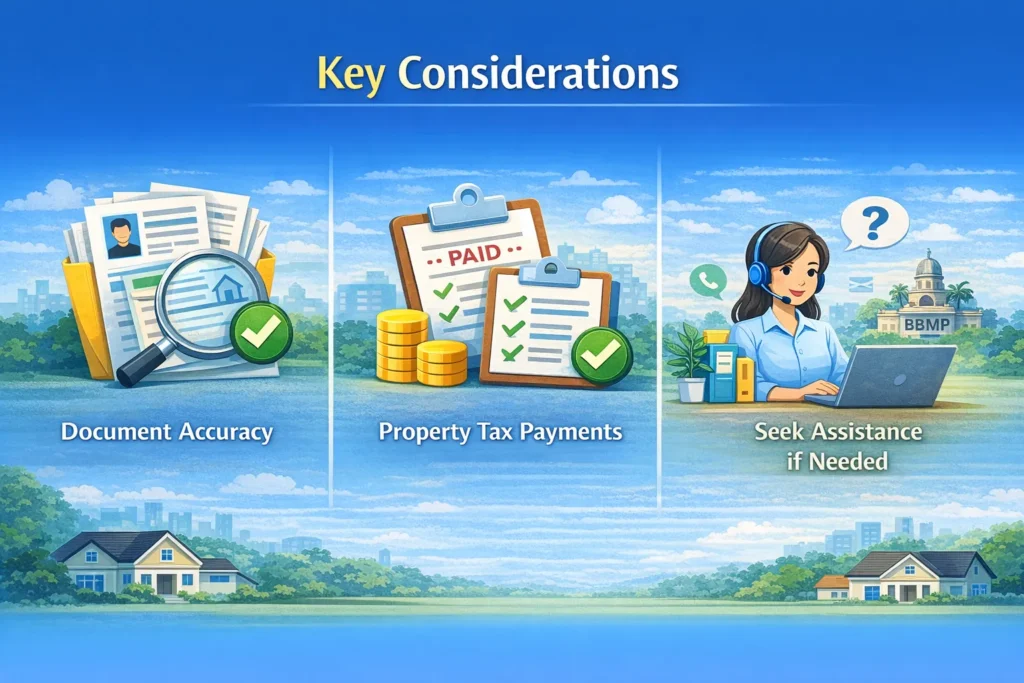
- Document accuracy matters. Upload clear, legible, and up-to-date documents. Blurry uploads or missing pages cause delays.
- Clear your property tax first. Pending dues can stop your application from moving forward.
- Always go for the verified eKhata. The unverified version might seem faster, but it will create problems if you ever want to sell or register the property.
- Seek help if you are stuck. Contact the BBMP helpdesk at 94806 83695 or visit the portal’s FAQ section.
Latest BBMP eKhata 2026 Updates
- Verified eKhatas can now be issued within 2 to 3 days if all documents are in order, thanks to faster processing on the e-Aasthi platform.
- From July 1, 2025, a verified eKhata became mandatory for all building plan approvals in Bengaluru.
- Residents of newly merged BBMP areas may need to apply afresh if their property details are missing from digitized records.
- Draft eKhata records are being rolled out zone by zone. Check the portal regularly and convert your draft to a verified eKhata as soon as it appears.
Frequently Asked Questions
Is eKhata mandatory for property registration in Bangalore?
Yes. A verified eKhata is now mandatory for property registration at the sub-registrar’s office in Bengaluru. An unverified eKhata will not be accepted. If you are planning to sell, buy, or register a property, make sure your eKhata is verified through the e-Aasthi portal before you proceed.
How many days does it take to get an eKhata approved?
A verified eKhata typically takes 2 to 3 working days after all your documents are submitted correctly. If documents are incomplete or the EC is missing, it can take longer. The ARO reviews the application and may request additional information before signing off.
What is the password for the BBMP eKhata PDF download?
The downloaded eKhata PDF is usually password-protected. In most cases, the password is your registered mobile number. Some users have reported the application number also works. If neither works, log back into the portal and check the download instructions under your application.
Can I apply for eKhata online without visiting a BBMP office?
Yes, the entire process is online. You do not need to visit any BBMP office or Bangalore One centre. The application, document upload, payment, and download are all done through the e-Aasthi portal. BBMP has specifically instructed citizens not to visit any office for this process.
What is a draft eKhata? Is it the same as a verified eKhata?
No, they are different. A draft eKhata is a pre-filled record that BBMP generates based on existing property data. It is not yet verified. You need to review it, submit your documents, and get it approved by the ARO for it to become a verified eKhata. Only the verified version is valid for property transactions and building plan approvals.
My draft eKhata is not showing on the portal. What should I do?
BBMP is rolling out draft eKhatas zone by zone. If your draft is not visible yet, it simply means your zone has not been updated. Keep checking the portal every few days. If your property exists in BBMP records, the draft will appear in due course. If it has been several weeks and still nothing shows, contact the helpdesk at 94806 83695.
Is the Encumbrance Certificate (EC) mandatory for eKhata?
Yes. The EC is one of the most important documents in the eKhata process. It confirms that your property has no legal dues or pending loans against it. Without a valid and recent EC, your application will not be fully verified. Make sure the EC you upload is up to date and clearly legible.
Can NRIs apply for BBMP eKhata online?
Yes. NRIs can apply for eKhata through the e-Aasthi portal just like resident property owners. Since the process is fully online, there is no need to be physically present in Bengaluru. You will need to have digital copies of all required documents, including your Aadhaar, sale deed, and EC. If you do not have an Aadhaar, contact BBMP directly for alternative identity proof options.
Can I apply for eKhata for a flat or apartment in Bangalore?
Yes. Flat and apartment owners can apply for eKhata. For apartments, you will typically need the occupancy certificate and the approved building plan in addition to the standard documents. The eKhata will be issued in your name for your specific unit. Make sure your name appears correctly in the sale deed before applying.
What documents are required for eKhata for a revenue site in Bangalore?
Revenue sites have a slightly different process. Along with the standard documents, you may need to provide conversion order details showing that the land has been converted from agricultural to residential use. The exact requirements can vary by case. It is advisable to check with the ARO or BBMP helpdesk for your specific situation before applying.
What is the difference between e-Aasthi and eKhata?
e-Aasthi is the name of the entire digital property management system run by BBMP. eKhata is the document that comes out of this system. Think of e-Aasthi as the platform and eKhata as the certificate. When people say they are applying for eKhata, they are using the e-Aasthi portal to do so.
How do I get the EPID number for my property?
EPID stands for e-Property Identification Number. It is assigned to your property on the e-Aasthi portal. You can find it by logging into the portal and searching for your property using your name, PID, or address. Once your property appears in the results, the EPID will be displayed along with other property details. This number is required during the eKhata application process.
Also read:
What is a E-Khata? Why is it important in Property Ownership in Bangalore?


0 Comments